How the login works
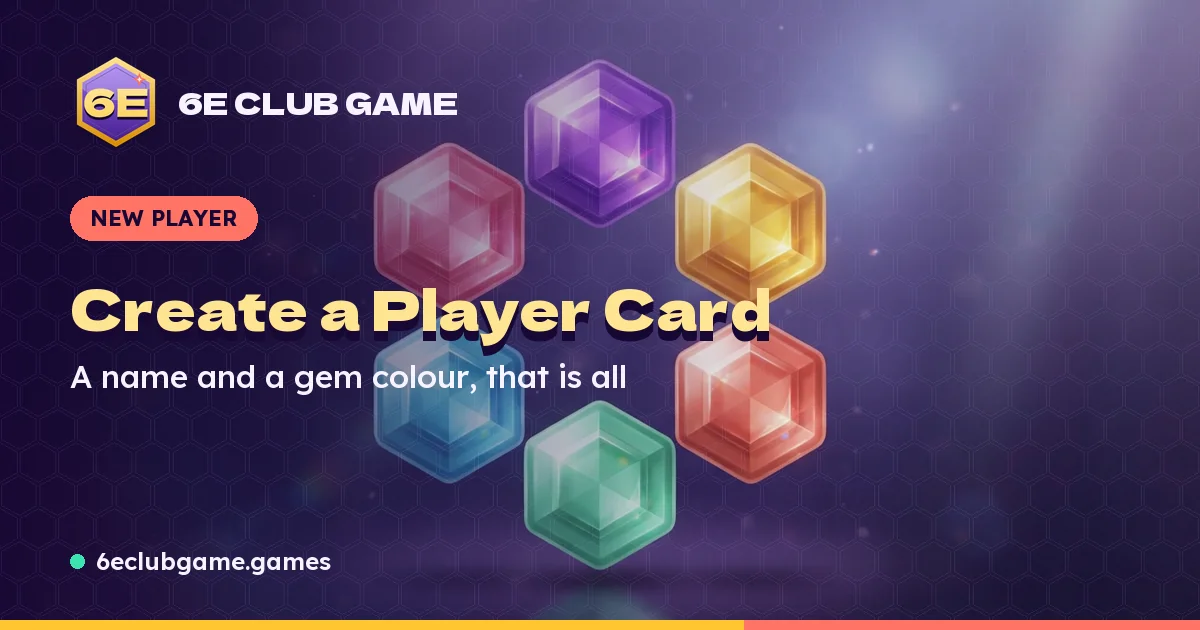
When you create a card, it is saved in your browser's own storage on this phone or computer. Each time you open the club in the same browser, the card is already there; that is the login. There is no account database, no email link and nothing to remember.
The board on the start page reads the same card. Finish a run and its Club Stars are added straight away, then shown here.
Moving to a new phone
- On the old device, open this page and press Copy code.
- Send the code to yourself or write it down. It begins with 6ECG-.
- On the new device, open this page, paste the code into Restore from a player code and press the button.
The code carries your name, gem colour, stars, runs, best score and crowns. A run that is still in progress stays on the old device; finish it there first if you want its stars.
Logging out
Logging out removes the card from this device only. Do it on a shared or borrowed phone. Copy your code first, because once it is removed there is no way for the club to bring it back.
No card yet?
You can play without one: runs on a device with no card are banked to a Guest card automatically. To choose your own name and colour, register a player card. Your Guest stars move across when you do.